


 By Connecti5
 The “Where Is It?” Moment: Our Daily Dilemma
Picture this: You’re meeting a friend in a new part of town, and they text asking for a coffee shop nearby. Or perhaps you’re on a trip, and your child suddenly needs a specific type of store. Or, worst case, you’re not feeling well and need to quickly locate the nearest pharmacy or doctor’s office from your saved addresses. We’ve all been there – that common, slightly frantic feeling when you suddenly need to find something specific right now.
What usually happens? You pull out a map app, type in what you need, and instantly get a flood of options. Many of them are too far away, some are irrelevant, and you end up scrolling, zooming, and trying to estimate distances. This wastes precious time and adds unnecessary stress to an already pressing situation. It’s like searching for a needle in a haystack when all you really need is the closest, most convenient needle.
But what if there was a better way? This is where a location filter app steps in as your personal problem-solver. It’s designed to cut through the noise and give you exactly what you need, exactly where you need it. It takes your personal list of important places – your friends’ homes, your favorite local spots, essential service providers – and makes them easy to manage.
This post will explore how these clever apps simplify our lives by letting us easily filter locations by distance. They act as our ultimate distance-based place finder, making everyday quests effortless and ensuring you’re always connected to the places that matter most to you, with complete privacy.
Understanding the Power of a Location Filter App
What exactly is a location filter app? Think of it as a smart, user-friendly tool on your phone that helps you find places not just by what they are (like “restaurant” or “park”), but also by how far away they are from your current spot or any chosen location. It’s more than just a simple map; it’s a smart assistant that truly understands “near me” for your personal addresses.
Its core function is to let you set the boundaries for your search. Instead of seeing everything on your saved list of addresses, you only see what’s relevant to your immediate area or the distance you specify. This is the magic of how you filter locations by distance. You control the search, focusing only on what’s practical and convenient for you at that moment.
The big benefit? It takes away the guesswork and helps you quickly narrow down options to just what’s practical and convenient. No more endless scrolling. No more guessing if a place is “too far.” Just clear, concise results based on your personal needs. It simplifies finding what you’ve already decided is important to you.
Making Life Easier: How to Filter Locations by Distance
Let’s dive into the practical “how-to” of filtering. These apps allow you to specify a radius – for example, 1 mile, 5 kilometers, or a 10-minute drive – and then only show results within that defined area from your own stored places. It’s like drawing an invisible circle on your map and only seeing what’s inside it.
Here are some real-life moments where this power truly shines:
-
Scenario 1 (Socializing): Remember that coffee shop your friend mentioned that’s “just around the corner”? With a location filter app, you can quickly set a 1-mile radius from your friend’s house (which you’ve privately saved) and instantly see all coffee shops within that area you might have previously noted. This makes it easy to pick a meeting spot without any guesswork. This way, you effectively filter locations by distance to find the perfect café from your list.
-
Scenario 2 (Necessity): You’re traveling and suddenly need an ATM. Instead of driving aimlessly or relying on public listings, if you’ve privately saved locations of ATMs you trust, you can tell your app to show all ATMs within a 2-mile radius. It instantly becomes your quick distance-based place finder for urgent needs, drawing from your secure, personal database.
-
Scenario 3 (Exploration): Planning a family outing? Set a 5-mile limit around your home and discover all the parks and playgrounds you’ve personally saved but never realized were so close by. It helps you explore your familiar surroundings with new eyes.
This capability saves a tremendous amount of time, reduces stress, helps you make quicker, more informed decisions, and ensures you’re always aware of the closest, most convenient options from your own carefully curated list of addresses. It’s about being efficient with your time and your important places.
Your Personal Distance-Based Place Finder: Key Features
Think of these tools as your essential, personalized distance-based place finder – like having a smart local guide in your pocket, but one that only knows the places you care about. They are designed to manage your personal addresses efficiently and privately.
Here are the key features that make a good app invaluable for managing your personal locations:
-
Customizable Radius Settings: A really good app lets you define the search area precisely. You can set it to 500 meters, 1 kilometer, 5 miles, or even by travel time like “within a 10-minute drive.” This flexibility is super important for tailoring searches to your exact needs, whether you’re walking, biking, or driving.
-
Ability to Filter by Categories: Beyond just distance, you can usually select specific categories you’ve created for your own saved locations. For example, “friends’ homes,” “favorite restaurants,” “doctors’ offices,” “gyms,” or “landmarks.” This combination of your categories and distance is what makes a location filter app so powerful for personal use.
-
Real-time Accuracy and Ease of Use: The best apps give you up-to-date information for your stored addresses and are super easy to use, even if you’re not a tech wizard. They should load quickly, show clear results, and be simple to operate with just a few taps.
-
Saving Favorite Spots or Trusted Addresses: A really handy feature is the ability to easily add and save all your frequently visited places, important contacts’ homes, or essential service locations. This means your personal distance-based place finder gets smarter and more useful over time, becoming a truly private address book that you can manage effortlessly. You can even upload many addresses at once, like from an Excel sheet, making it easy to get started with all your important contacts.
Everyday Scenarios Where It Shines
Let’s expand on the practical, real-world applications of a location filter app with more detailed mini-stories. These show how a distance-based approach can simplify so many parts of your day, all while keeping your data private and personal.
-
Socializing & Connecting: Imagine you’re out with friends, and you all decide to grab a quick bite. Instead of debating for ages or scrolling through public listings, you open your location filter app. You’ve saved your favorite local eateries under a “Restaurants” category. You set a 3-mile radius from your current spot and instantly see all your highly-rated pizzerias or burger joints that are nearby. It takes the stress out of group decisions and helps you filter locations by distance to find the perfect spot quickly from your trusted list.
-
Urgency & Necessities: You’re on vacation and suddenly remember you need to visit a specific landmark you saved or locate a friend’s address quickly. Panic? Not if you have a distance-based place finder. A quick search for “Landmarks” or “Friends” within a 1-mile radius from your hotel pinpoints the closest option from your private list, saving your day and ensuring you find exactly what you need.
-
Exploring & Traveling: Visiting a new city can be overwhelming. But with your own curated list of points of interest – perhaps from a travel guide you read or recommendations from friends – you can use the app to uncover hidden gems. Set a filter for “Museums” or “Unique Cafes” within a comfortable walking distance from your hotel, pulling from your saved places. It’s like having a local’s guide right in your pocket, making you a savvy explorer with your location filter app, without relying on broad public directories.
-
Daily Errands: Need to drop off a package at the post office, but you’re not sure which one is closest to your current route? You’ve added your local post offices to your app. A quick use of your location filter app to filter locations by distance ensures you make the most efficient stop, streamlining your busy day and keeping your personal route optimized. This applies to any recurring errand, helping you manage all your “to-go” addresses.
Choosing the Right App for Your Needs
When it comes to picking a location filter app that’s right for you, it’s important to look for a few key things. Remember, this is about managing your personal addresses in a way that fits your life.
-
User-friendliness: Is the app easy to navigate and understand? Can you find what you need without a confusing manual? Even if you’re not super tech-savvy, it should feel natural to use.
-
Reliability and Accuracy: Does it provide correct, up-to-date information for the addresses you’ve saved? Are the distance calculations precise? You want an app that you can trust to help you find your way.
-
Relevant Features: Does it offer the customizable radius, categories for your own places, and options to save your important addresses that you’ll use most often? Think about your most frequent “near me” searches, for example, “nearest friend” or “closest family member.” Look for features like easy Excel upload for your existing address lists.
-
Privacy Considerations: This is a big one. It’s crucial to briefly check the app’s privacy policy to ensure your location data and personal addresses are handled responsibly and privately. A truly personal address manager should not share your data, track you live, or pull from public social feeds or business listings. It should be just for you.
Take a moment to think about your own daily routines and specific needs. How could such an app fit seamlessly into your life? How many times have you wished you could quickly find a specific friend’s house or a landmark you saved without fuss?
Embrace the Simplicity: A Life Less Searched
A good location filter app isn’t just another gadget on your phone; it’s a game-changer that transforms those potentially stressful “where is it?” moments into effortless discoveries. It brings order to your personal address book and makes navigating your world simpler and more private.
By allowing you to easily filter locations by distance and serving as a reliable distance-based place finder for your own stored locations, these apps give you back precious time, reduce daily stress, and empower you to confidently navigate your world. You’re no longer overwhelmed by too many options; instead, you’re presented with exactly what’s relevant and convenient, from your own trusted list.
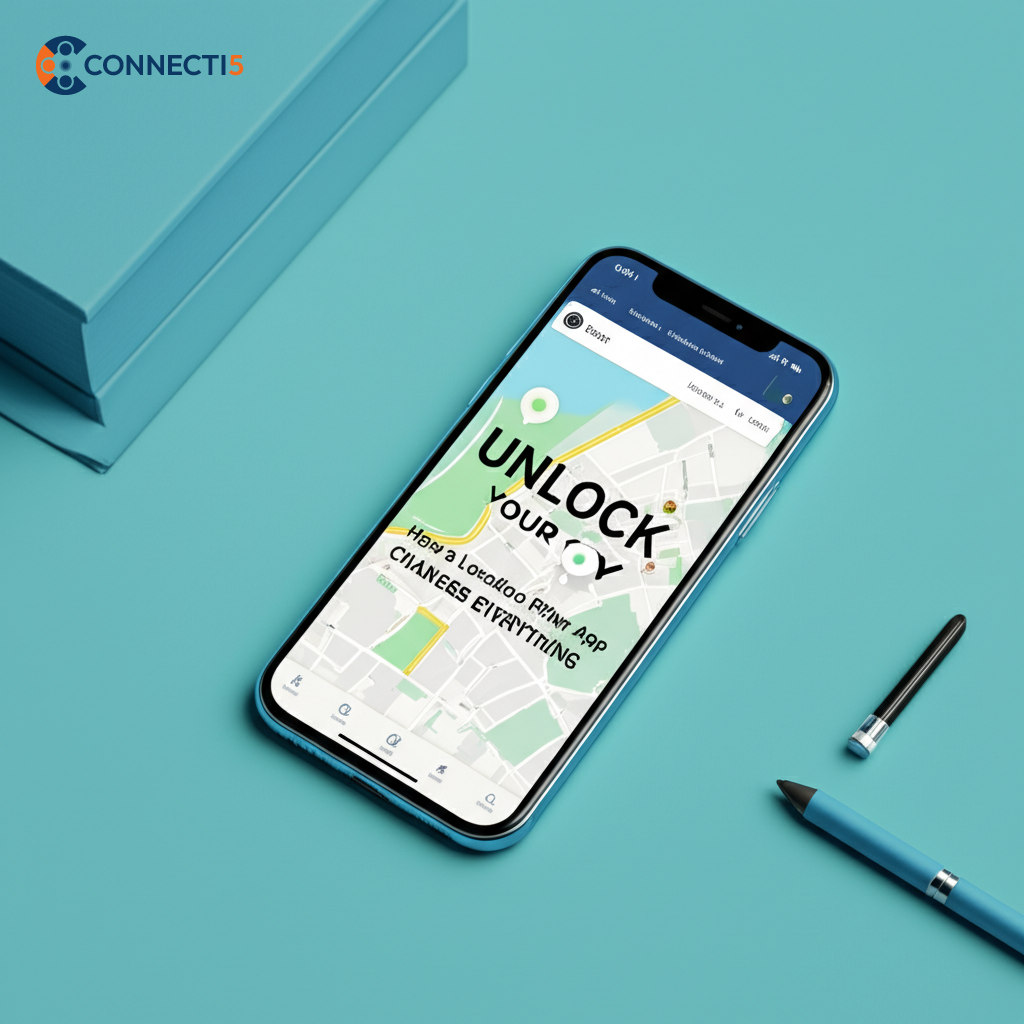
Embrace the simplicity and experience a smoother, more enjoyable day, knowing exactly what you need – whether it’s a friend’s home, a favorite park, or an important errand stop – is always within reach, managed privately and efficiently by you. It’s time to unlock your city and your personal network with ease.
