
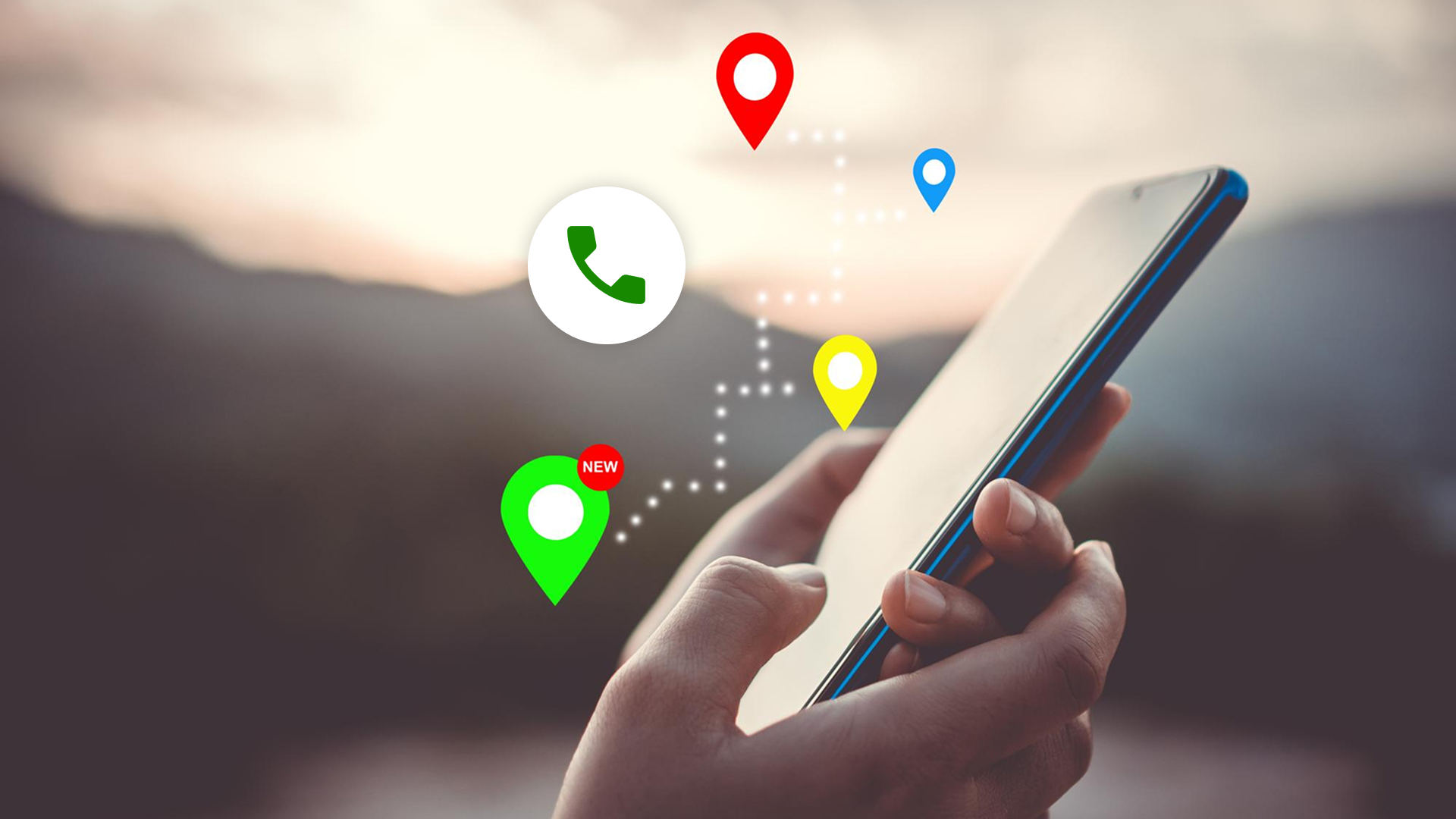
Instant call or map
Call or get directions instantly with just one tap. Every provider profile shows one‑tap actions so you can reach out or navigate without extra steps.
The action bar sticks to the screen (mobile & desktop), giving you quick access to Call, Directions, and Share right when you need it.
How it works
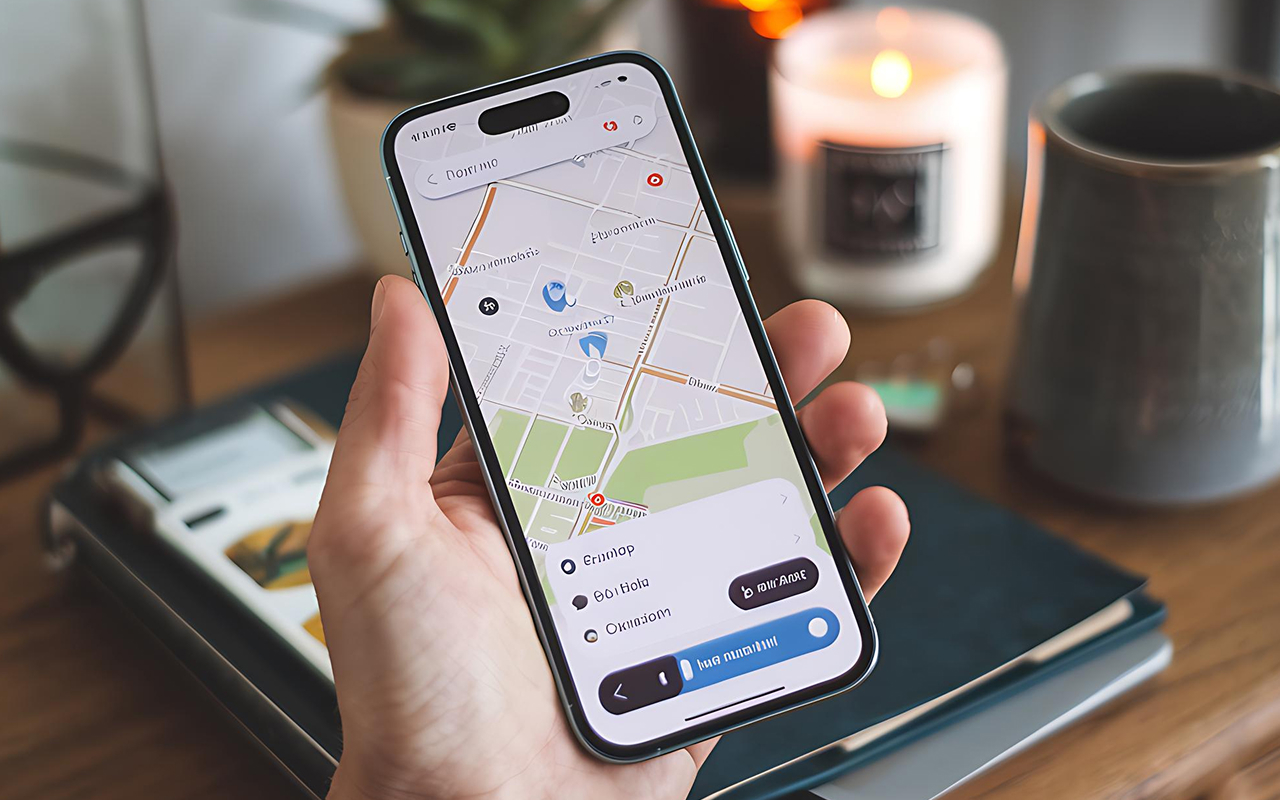
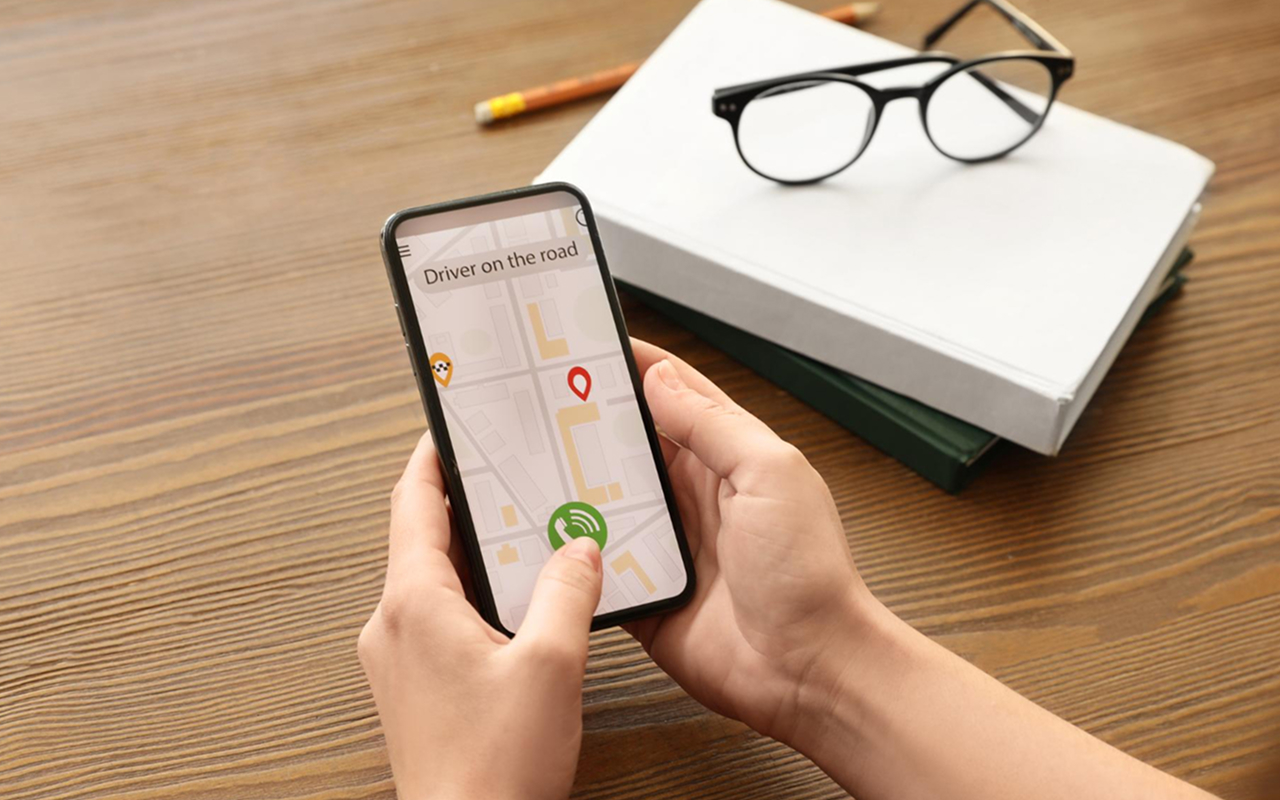
Tap Call to dial the verified phone number directly from your device. Tap Directions to open your default maps app with the route pre‑filled no copy‑paste, no mistakes.
- One‑Tap Call – Dial instantly from cards, lists, or detail screens.
- One‑Tap Directions – Opens your maps app with live routing.
- Sticky Action Bar – Always visible on mobile for faster decisions.
- Safe Numbers – Verified phone formats to avoid misdials.
Why it saves time
No switching apps, no typing addresses just tap and go. This reduces drop‑offs and gets customers connected to providers in seconds.
Try it now
Open a nearby provider, hit Call or Directions, and you’re on your way. It’s the fastest path from search to action.
Frequently asked questions
-
Connecti5 is a smart networking app that helps you manage and access your trusted contacts in one place. With real-time maps and one-tap connect, it makes local networking simple and secure.
-
You can easily upload your contact list via Google Sheets. Once added, all your contacts will appear in the app automatically and stay organized.
-
Yes, Connecti5 allows you to filter contacts by distance, category, or tags so you can quickly find exactly who you need.
-
Absolutely. All your data is protected with end-to-end encryption, ensuring your personal and business contacts remain safe.
-
Yes, Connecti5 works with internet connectivity to update real-time maps, sync contacts, and enable one-tap calling or navigation.